

Map the work that matters
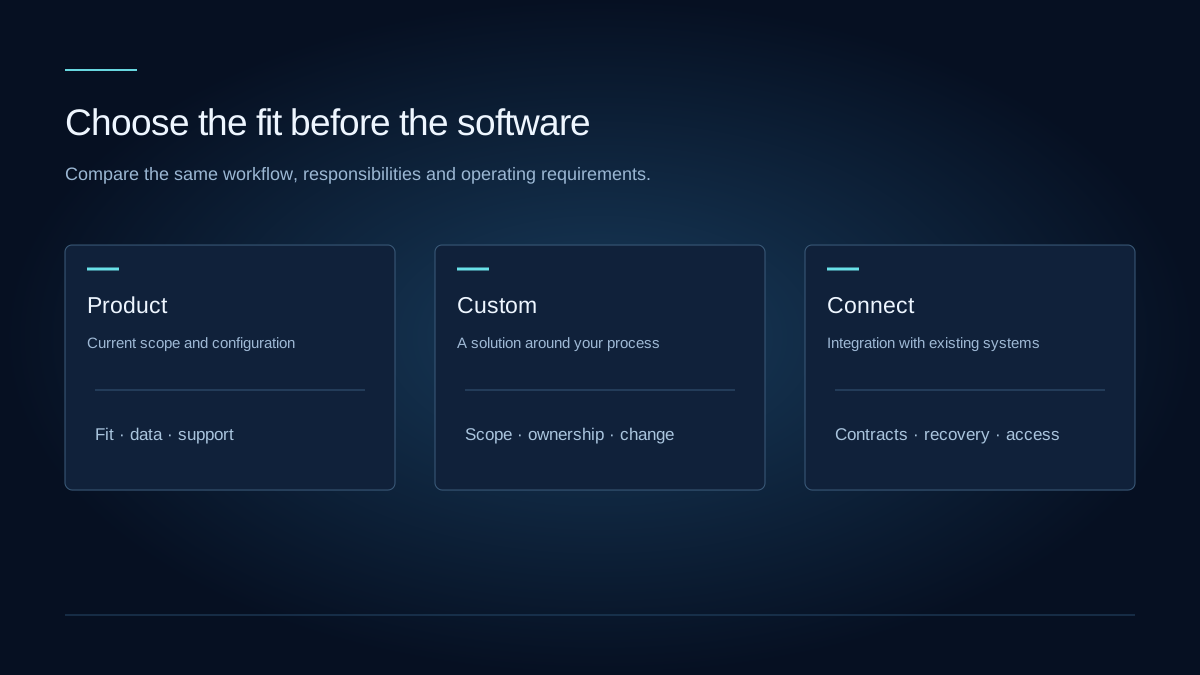
Identify the tasks that differentiate your organization and the ones that are standard business administration. A ready-made product may cover a common workflow well. A distinctive process or unusual integration can change the balance. Evaluate a complete scenario rather than comparing feature counts.
Test configuration before customization
Ask a product owner to demonstrate your actual workflow, including permissions, exceptions and reporting. Establish what is available now, what can be configured and what would require development. A roadmap item should not be treated as an existing feature.
Compare the operating cost
Include subscriptions, hosting, migration, training, support and change costs in the comparison. For a custom application, clarify ownership and operational responsibility. For a product, clarify export access, contractual limits and how updates affect your configuration.
Consider a connected approach
Sometimes the right choice is a product for the standard core and a focused integration for the distinctive work. Confirm the API boundaries, system of record, synchronization rules and failure handling before assuming that separate systems will work together.
Compare the complete cost of fit
- Which workflows are essential, and which can adapt to an existing product?
- What integration, migration and operating work does each option require?
- Who owns future changes, access to data and continuity of support?
Evaluate a product demonstration, a custom scope and an integration option against the same operational journey. Record the gaps and responsibilities so the decision can be revisited as requirements evolve.
Technology consultingFurther reading
GOV.UK Technology Code of PracticeAn editorial perspective for project planning. Requirements and implementation choices depend on your organization and systems.